

Turn Streaming Music into True Lossless Audio for Any System


Made for Listeners Who Still Care About Sound

- Audiophiles who demand true lossless quality
- Drivers who want music on USB or CD without Bluetooth noise
- Home theater users with non-streaming AV receivers
- CD collectors who want digital backup or custom discs

- Convert streaming music to FLAC, WAV, ALAC or MP3
- Keep original audio quality and full detail
- Play music on car USB, CD players, DACs and Hi-Fi systems
- Build a personal music library without ongoing restrictions
Why Streaming Does Not Work for Real Audio Setups
Modern streaming apps are convenient, but they often fail in older cars, dedicated AV systems and serious listening rooms.
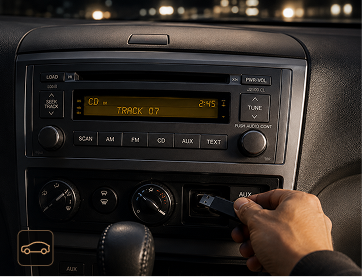
Streaming apps do not work there, and Bluetooth can sound compressed, unstable or noisy.
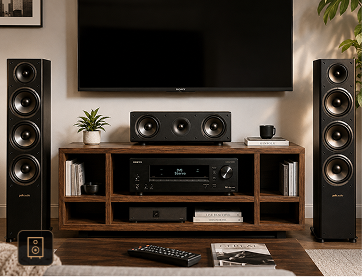
You have the speaker system, but not the local files your home theater actually needs.
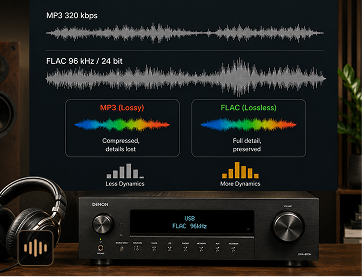
Low-bitrate files and wireless playback can flatten detail, dynamics and stereo imaging.
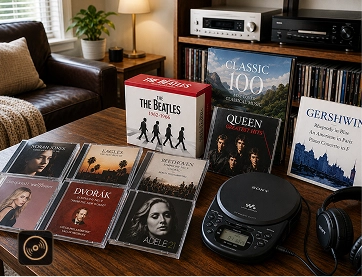
Streaming does not give you CD-ready files or a simple way to keep custom discs.

Designed for Your Hardware & Real-World Listening Scenarios
Whether your setup is a 2010 car stereo, a home theater receiver or a dedicated DAC chain, the goal is the same: clean local files that simply work.
High-End Car Audio
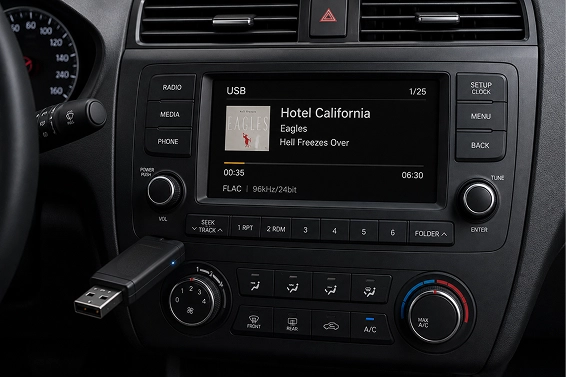
Elevate your drive beyond Bluetooth. Download your library directly to USB or SD cards in studio-grade quality, or burn CDs for older car systems.
-
No Bluetooth
interference -
Perfect for road trips
and daily driving -
Works with older
car stereos


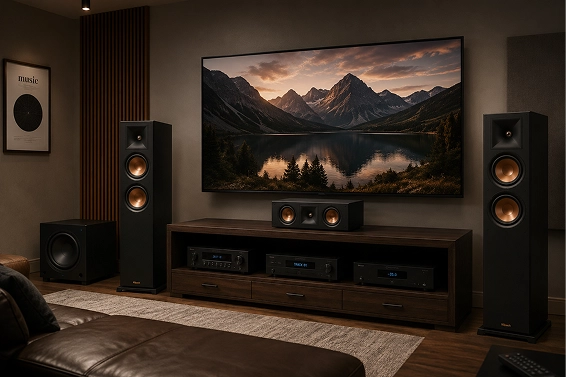
Home Theater Purist
The missing link for your AV receiver. Build a permanent local high-res library that integrates seamlessly with your DAC and home audio stack.
-
Designed for
speaker systems -
Local playback
without app limits -
Great fo
surround setups

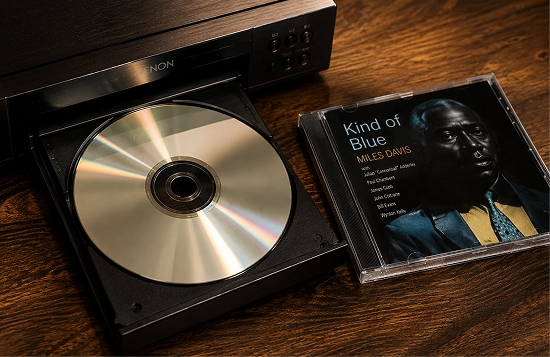
CD Burning & Collection
Revive your classic player. Burn any modern streaming playlist to a physical CD with 1:1 original audio fidelity. Simple and tactile.
-
Burn custom
audio CDs -
Archive favorite
tracks -
Keep music beyond
subscriptions



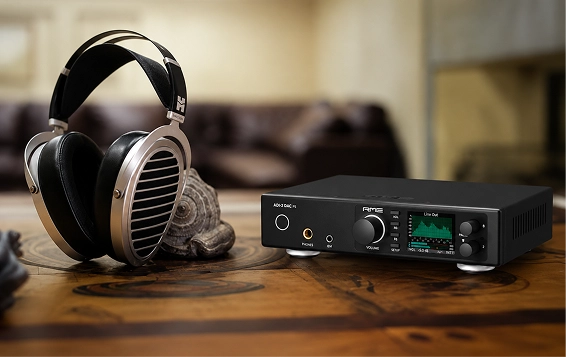
Hi-Fi Listening
Output FLAC, WAV or ALAC files for DACs, amps, headphones and Hi-Res players.
-
Preserve detail
and dynamics -
Compatible with
Hi-Fi playback chains -
No wireless
compression



Engineered for Perfection

Bit-Perfect Technology
We don’t just “record” audio; we extract it. Our engine ensures 100% preservation of the original source’s bit-depth and sample rate.

Comprehensive Metadata
Keep your library organized. Album art, artist names, and track numbers are automatically preserved for car screens and media players.

Multi-Platform Master
One tool for every source. Seamlessly handle all major streaming platforms in one unified, professional interface.

Ultra-Fast Batching
Convert entire discographies at up to 35X speed without sacrificing audio fidelity or taxing your system’s CPU.
| Feature | TuneFab All-In-One | Standard Converters | FM Transmitters |
|---|---|---|---|
| Audio Fidelity | 1:1 Lossless (FLAC/WAV) | Compressed (MP3 only) | Low-Fi / Static |
| Device Compatibility | USB, CD, AV Receivers | Mobile Only | Limited |
| ID3 Tag Support | Fully Automated | Manual Entry | None |
3 Simple Steps to Master Your High-Res Library
Engineered for precision. Simplified for enthusiasts.
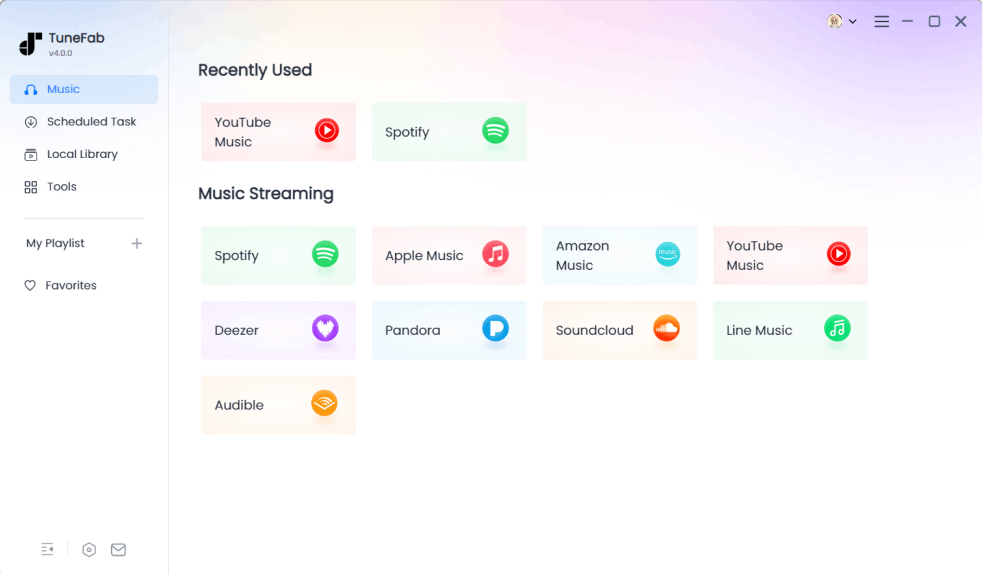
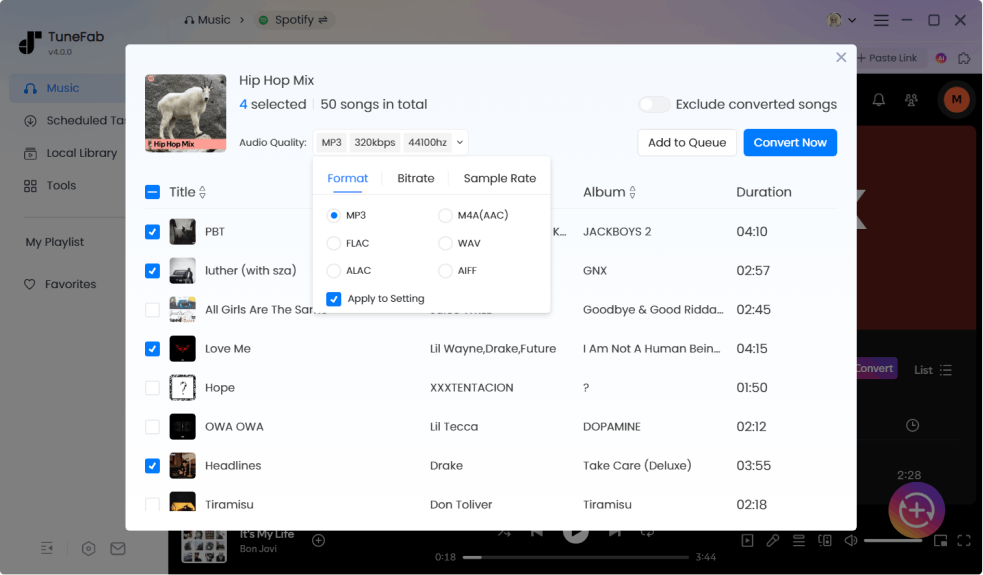
Select Your Music Source
Select Your Audiophile Format
Export to Your High-End Hardware
Browse your favorite songs, albums, or playlists directly from supported streaming platforms like Spotify, Apple Music, or YouTube Music. Whether it’s a road trip playlist, a Hi-Fi test track, or a full album, you can select exactly what you want to keep.
Pick the output format based on how you plan to listen. Use FLAC or WAV for Hi-Fi systems and home theater setups, choose MP3 for car USB playback, or select WAV if you want to burn audio CDs. You stay in control of both quality and compatibility.
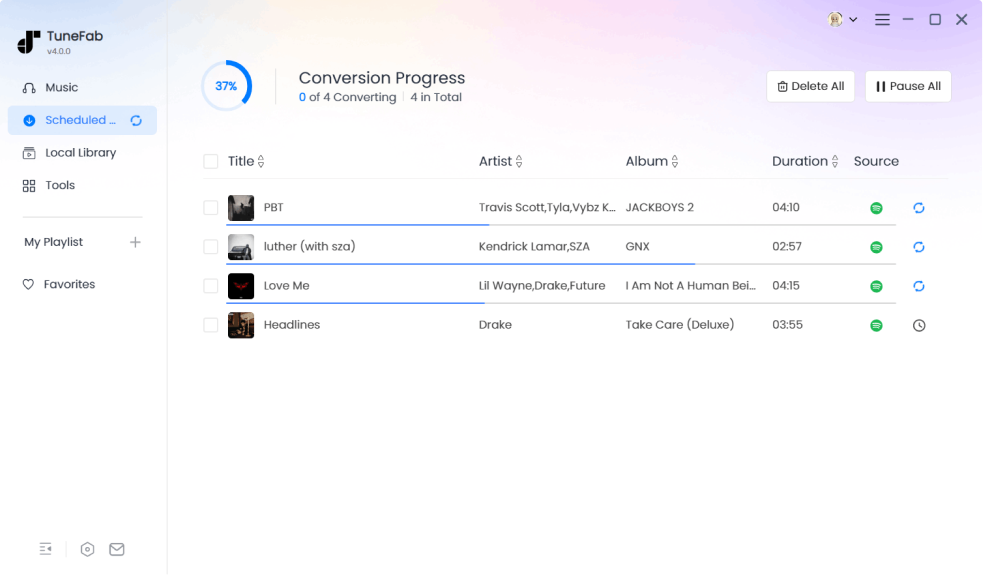
Hit “Convert All” to initiate our 35X high-speed engine. Once finished, your DRM-free files are ready to be moved. Drag them to a USB drive for your car, sync them to your home AV receiver, or use our built-in burner to create a physical CD for your vintage player. No pairing, no buffering, no compromises.
Used by Creators Who Need Flexible Audio Files
See how creators turn streaming music into ready-to-use audio for real projects.





Use Case 01
Car Audio
Workflow
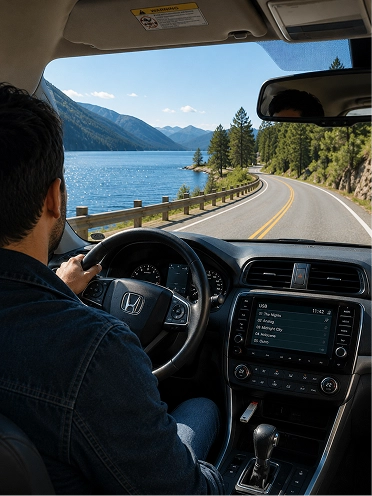
Mike usually picks a few playlists from Spotify before heading out, then converts them into MP3 for his USB drive or WAV if he plans to burn a CD. Once the files are ready, he simply transfers them to a USB stick or burns them onto a disc, plugs it into his car, and starts driving — no pairing, no signal drops, just consistent sound every time.

“I just want my playlists to work in my car, without killing the sound quality. Bluetooth always sounds off in my car… I’d rather just plug in a USB or play a CD and know it sounds right.”
Use Case 02
Home Theater & AV Systems
Workflow
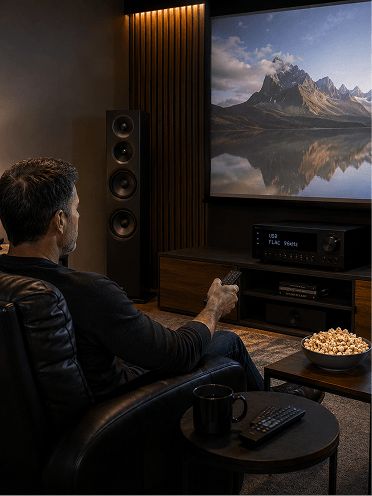
David imports his favorite playlists from streaming platforms and converts them into FLAC or WAV files so they can match the quality of his speaker system. He then stores these files on a USB drive or his home NAS, and plays them directly through his AV receiver. Instead of relying on streaming apps, he now has full control over what plays, and how it sounds, in his home theater.
“I have the system and I just need real audio files to feed it. It makes no sense that I spent thousands on speakers, but I still can’t play my own playlists on them. TuneFab helps a lot.”
Use Case 03
CD Burning & Collection
Workflow
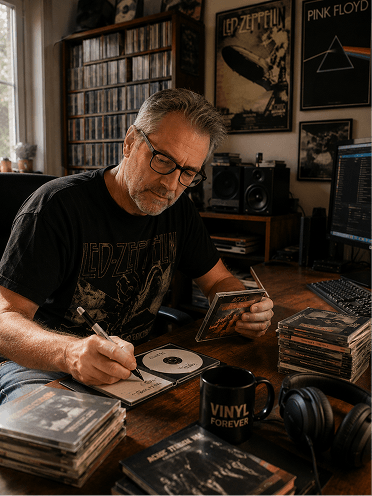
Robert selects songs and playlists from Apple Music, converts them into WAV files that meet CD standards, and then uses his usual disc-burning software to create custom audio CDs. Once finished, he can play them in his car or home stereo just like any other CD in his collection, keeping that familiar and tangible listening experience alive.
“Streaming is fine, but I still want my music on CD. There’s just something about putting in a CD and pressing play. I don’t want to lose that.”
Use Case 04
Hi-Fi Listening
Workflow
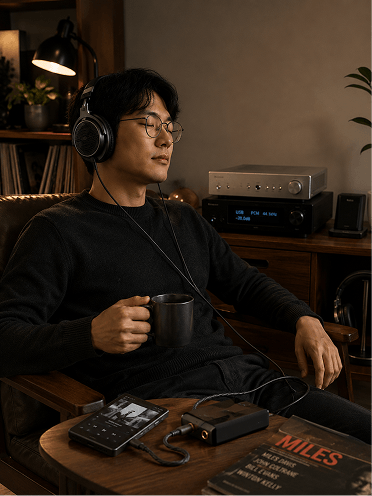
Alex carefully selects tracks from supported platforms and converts them into FLAC, WAV, or ALAC formats to preserve every detail. He then imports the files into his preferred local music player, such as Foobar or Roon, and listens through his DAC and headphone setup. By avoiding streaming compression and wireless playback, he ensures the audio chain remains as clean and accurate as possible.
“If it’s not lossless, it’s not worth listening. You can hear the difference instantly… once you go lossless, there’s no going back.”
Don’t Settle for Compressed Sound
Your ears deserve the best. Your hardware is waiting.
No Bluetooth noise. No streaming restrictions. No device compatibility headaches. Just high-quality music files you can keep, organize and play anywhere.
One Library. Unlimited Playback.
Convert once, then move your music to the system you actually use.



Precision Answers for Audiophiles
Can I really get perfect lossless audio from streaming platforms?
Absolutely. Unlike standard recorders that capture “system sound” (often introducing noise and compression), TuneFab All-In-One uses Bit-Perfect Extraction technology. It bypasses the system’s sound mixer to extract the original digital stream. When you select FLAC or WAV, you get a 1:1 replica of the studio-quality source.
Will the downloaded files play on my high-end Car Audio system via USB?
Yes. Most premium car systems (Bose, Burmester, Harman Kardon) in models from 2005 onwards support USB playback. TuneFab allows you to convert music into WAV or FLAC (up to 24-bit/192kHz), which are the industry standards for high-fidelity car audio. Simply drag the files to your USB drive, and your car’s DAC will handle the rest—no phone or Bluetooth required.
I have an old car with only a CD player. Can I burn my playlists to a disc?
You can convert your modern streaming playlists to the standard CD format and transfer them directly to a physical disc. It’s perfect for maintaining that tactile, “old-school” experience in classic cars or home Hi-Fi stacks without losing a drop of sound quality.
What happens if I cancel my music streaming subscription?
The music stays with you if you use TuneFab. Once you convert and save your tracks as local files (MP3, FLAC, etc.), you own those files. They are DRM-free, meaning they won’t disappear if your subscription ends. You can back them up to a NAS, a hard drive, or your mobile device forever.
Does the software preserve Album Art and Artist metadata?
Yes, automatically. Our ID3 Tag Preservation engine keeps all essential metadata intact—including High-Resolution Album Art, Artist Name, Album Title, and Year. This ensures your car’s dashboard or your home theater’s media player displays your library beautifully and stays organized.

