
Before Switching Spotify Accounts
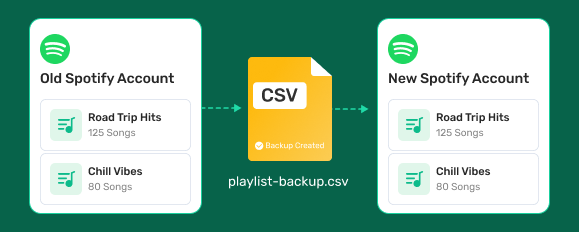
Create a backup before moving to a new Spotify account, so your playlists stay with you.


 Automatic BackupOne-Click RestoreSecure & Private
Switch to Windows
Switch to Mac

Your playlists represent years of discoveries, memories, and carefully curated music. A backup ensures they're always within reach-even if something unexpected happens.
Create a backup before moving to a new Spotify account, so your playlists stay with you.
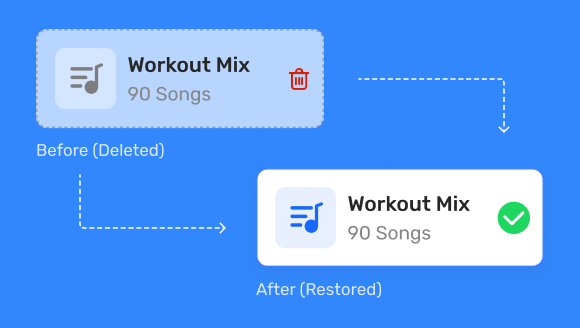
Restore playlists that were deleted or modified by mistake.
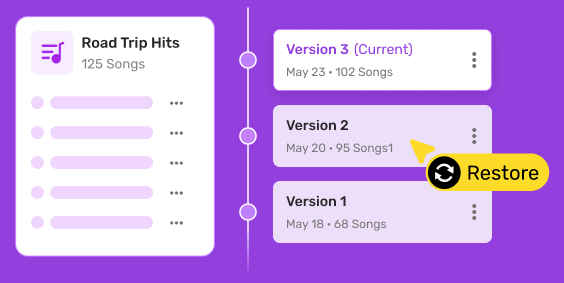
Experiment with your playlists confidently, knowing you can always restore an earlier version.
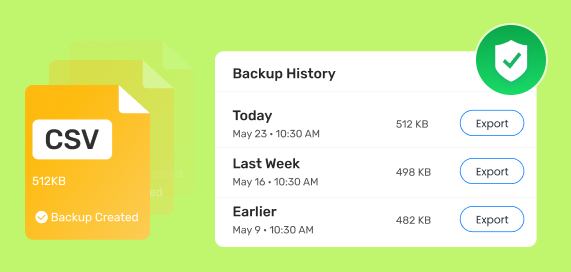
Preserve your playlist history for future access, even as your library continues to evolve.
TuneFab Spotify Playlist Backup is a music library management tool developed by TuneFab for backing up, restoring, and exporting Spotify playlist data.
Your playlists represent years of discoveries, memories, arnd carefully curated music. A backup ensures they're always within reach-even if something unexpected happens.

 Playlist
Preserve playlist names and track order.
 Liked
Songs
Liked
Songs
Keep your entire Liked Songs collection.
 Artists
Back up followed artists.
 Podcasts
Back up followed Podcasts (Complete Episodes).
 Albums
Keep your saved albums.
 CSV
Backup
CSV
Backup
Export everything as a local backup file.
Everything you need to back up, restore, and manage your Spotify library.

Automatically back up your Spotify playlists in seconds.

Restore any backup with one click.

Access every backup you’ve created.

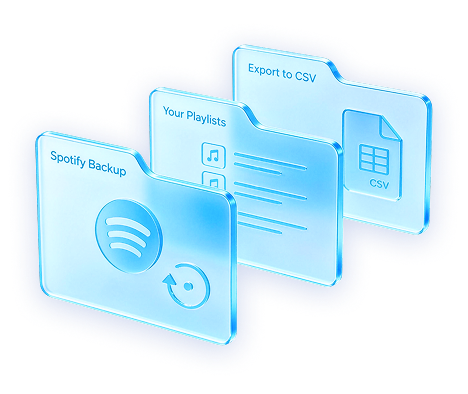
Export backup data as CSV files for local storage or personal records.

Playlists, liked songs, artists, albums, podcasts,
and more.

Your personal account credentials are never stored.

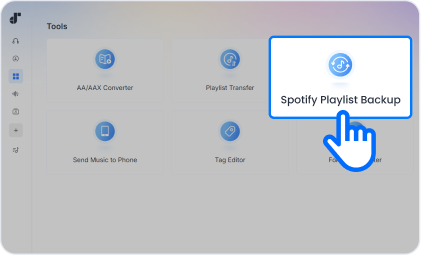
Open Spotify Playlist Backup from the Tools section.

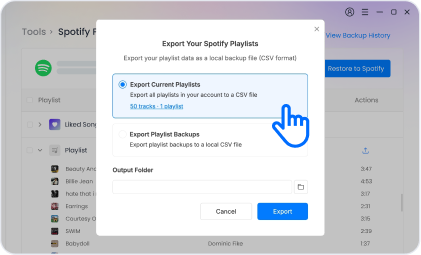
Back up, restore, or export your playlists.

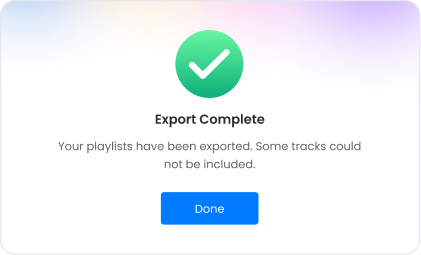
Follow the prompts to finish.
View your backup history, export backup files, or unlock Playlist Backup Pro.
Sign In to Member Center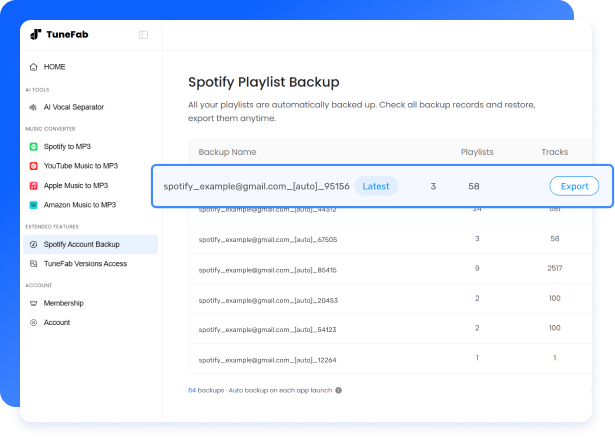
Unlock unlimited backups, restore, and export.
FREE
$0/ month
 Up to 3 backups
Latest backup
version
View backup history
Up to 3 backups
Latest backup
version
View backup history
LIFETIME
Unlimited backups
Full backup history
Export backupsRestore playlists
One-time purchase. | Lifetime access.

Simple interface and clear steps. No technical skills required.

Secure Spotify login. Your account credentials are never stored.

Designed to help you back up, export, and restore your Spotify library smoothly.

Get fast help from real people whenever you need it.

Covered by TuneFab's money-back guarantee.

We continue improving compatibility and product experience over time.

Keep your Spotify playlists safe before they're gone.


 Unlimited
backups
Unlimited
backups