Downloader Online

Please wait . . .



YouTube Music Converter


Best YouTube MP3 Music Downloader for Any YouTube Audio Download
Download YouTube Music Songs, Playlists, Albums, and Podcasts to PC/Mac
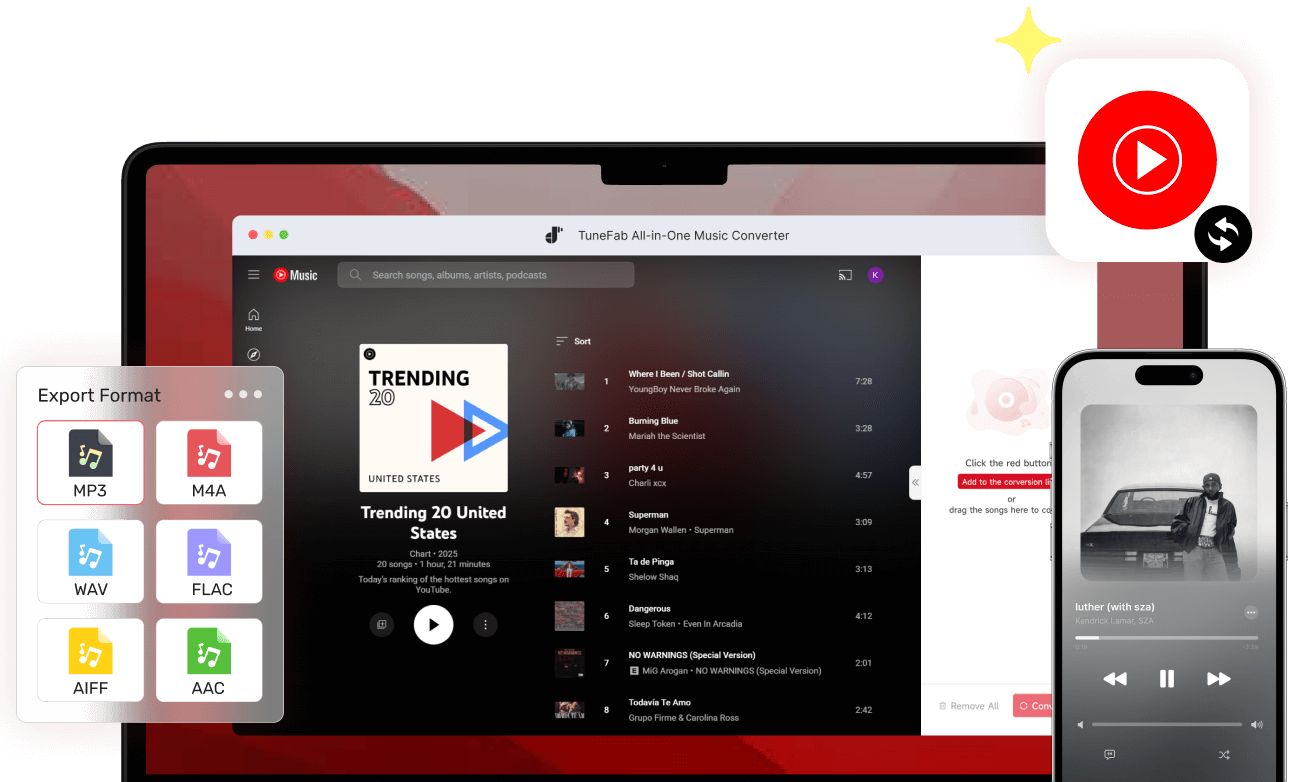
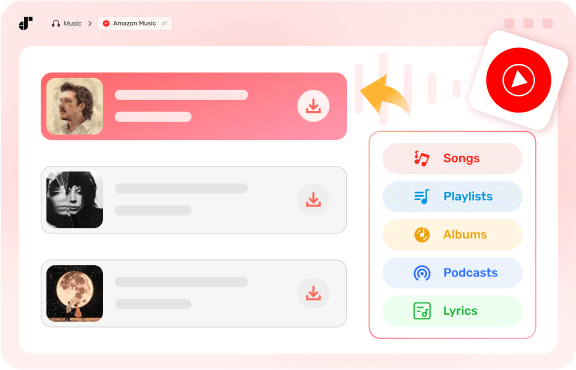
Frustrated that YouTube Music Premium only lets you download music on your phone? Don't worry! With our YouTube Music converter, you can download all YouTube Music content, including songs, playlists, albums, and music videos, along with lyrics in LRC format.
Moreover, unlike YouTube Music Premium downloads that expire or stay locked inside the app, TuneFab saves music directly to your computer as real audio files. Once downloaded, your YouTube Music MP3 downloads are fully available offline, ad-free, and can play in the background while you work or study.
Save YouTube Music in Common Formats With the Best Quality
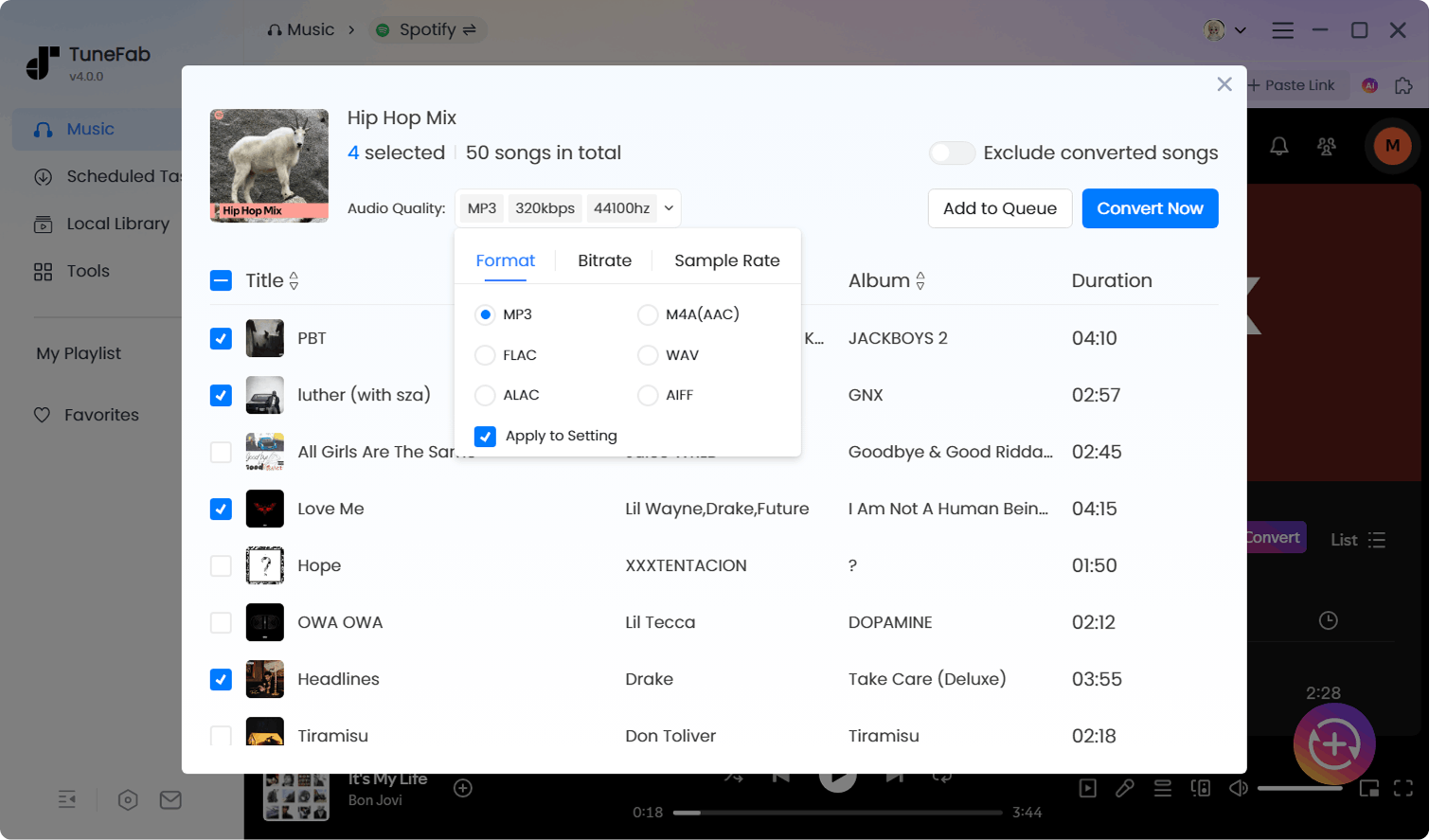
Convert YouTube Music to MP3/FLAC/WAV/AIFF/M4A/ALAC
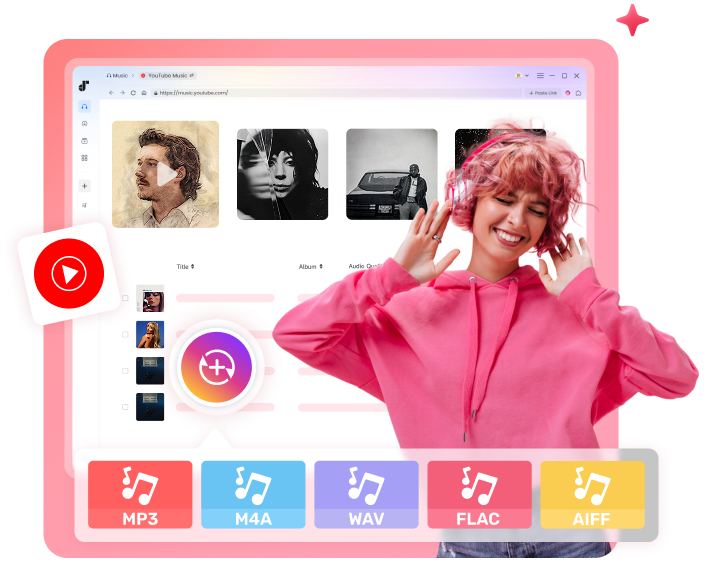
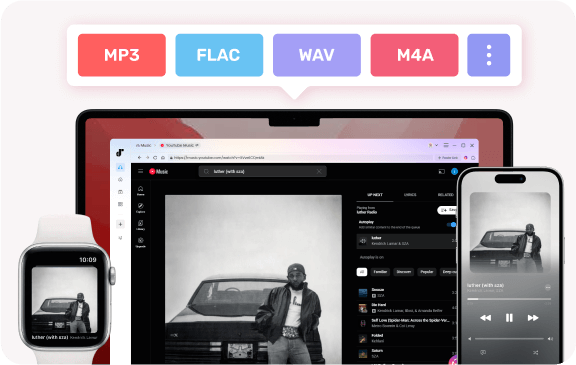
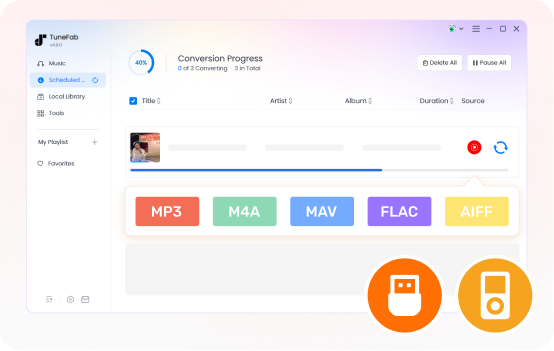
TuneFab YouTube Music Converter provides you with multiple common formats like MP3, FLAC, WAV, AIFF, ALAC, and M4A. These formats are widely supported, making it easy to share, edit, or transfer them, and even enjoy music from YouTube Music on an MP3 player, Apple Watch, car player, etc.
Additionally, this YouTube Music downloader also offers a built-in Format Converter tool, allowing you to manage and convert your large local audio files (e.g., FLAC to MP3) with ease.
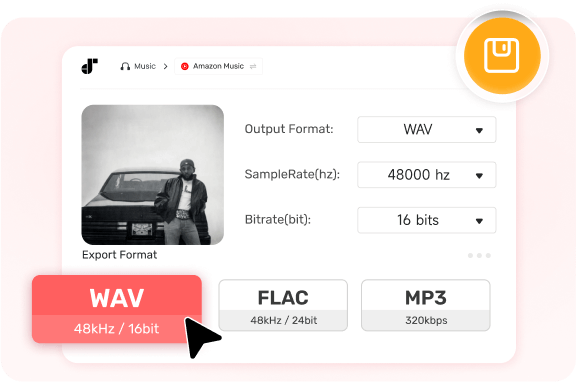
Save Songs from YouTube Music without Quality Loss
Enjoy a premium offline listening experience with crystal-clear fidelity. This best YouTube Music converter will preserve the original audio quality, letting you enjoy songs just as they stream online.
Plus, you can also customize output settings to output 320 kbps MP3 in 48kHz for everyday use or lossless FLAC/WAV for studio-grade fidelity. With high-quality tracks, you can even burn them to CDs, perfect for archiving your favorite playlists for long-term enjoyment.
Boost Efficiency with Lightning Fast Conversion Speed
Batch Convert YouTube Music at 35X Speed and More
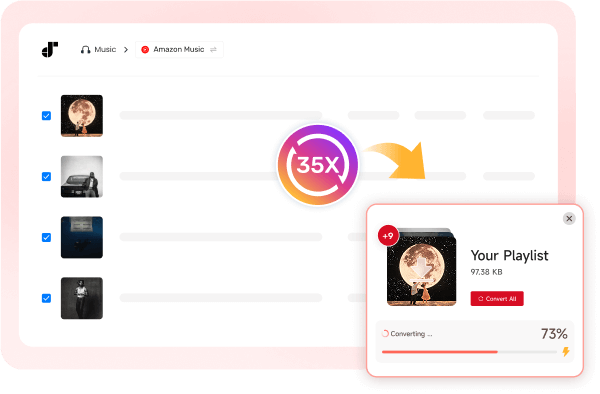
High efficiency is a major factor that makes our top YouTube Music downloader the preferred choice for many. Compared to traditional real-time recording tools, TuneFab utilizes advanced acceleration to download entire YouTube playlists at up to 35X faster speed, and even large libraries take only minutes.
Plus, with the batch conversion feature, you can add all the songs from a YouTube playlist and download them simultaneously with just one click, which is quite time-saving!
Integrate with the YouTube Music Web Player
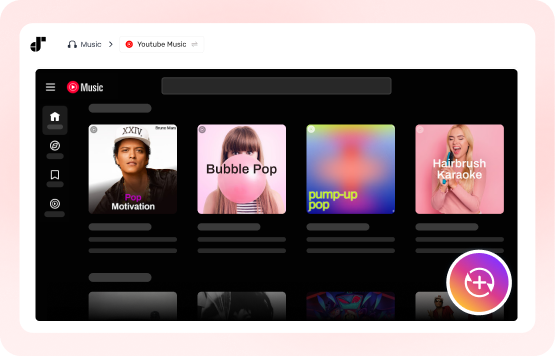
TuneFab YouTube Music Converter delivers you a truly hassle-free experience. There is no need to log in, copy and paste URLs, or install the YouTube app - everything happens in one place.
With the built-in YouTube Music web player, you can browse, search, and stream songs using the same familiar interface as the official platform. Once you find what you like, simply click to download instantly for seamless offline playback, no switching tools, no extra steps.
Effortless YouTube Music Management & Organization
Retain ID3 Info for an Easy-Organized Local YouTube Music Library
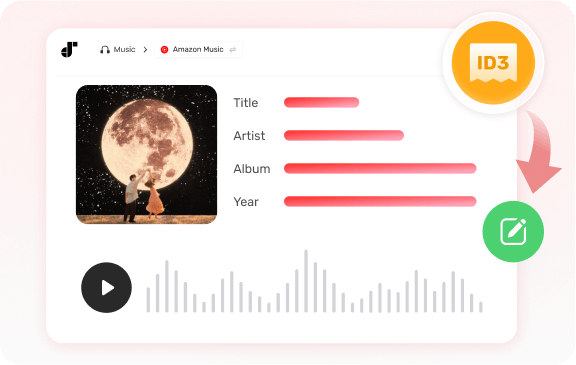
Managing a massive music library is effortless with our YouTube Music converter for PC/Mac. The software preserves the full ID3 tags metadata, including title, artist, album, genre info, etc, when you download YouTube Music tracks, so you don't have to update any file metadata manually.
This ensures your large collection remains well-organized and easy to sort by artist or album on any media player. If you want total control, the built-in ID3 Editor also lets you further edit or add details to keep your library neat and easy to manage.
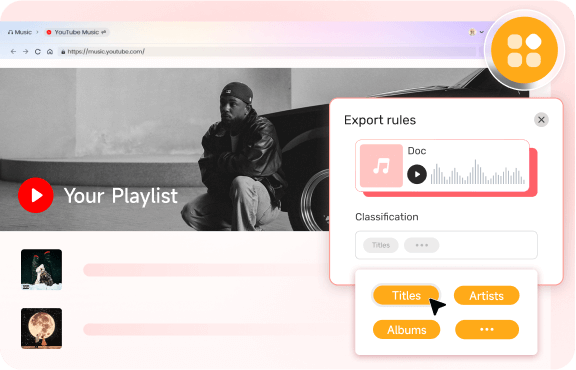
Freely Customize Output Folder Path and File Naming Patterns
TuneFab has long been popular among users managing hundreds or thousands of YouTube Music tracks. Our services let you define your preferred file naming format and folder structure before downloading. You can organize songs by artist, album, playlist, platform, or any combination that suits your style.
Once set, every downloaded track will follow your custom rules automatically. Say goodbye to messy folders and enjoy a well-organized music library with zero extra effort.
Enjoy YouTube Music Downloads Offline Without Playback Restrictions
Play YouTube Music for Offline Playback on Any Device
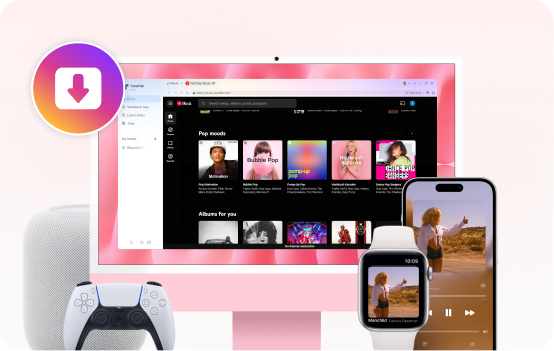
TuneFab YouTube Music Converter gives you full control over your downloads, so you can play unprotected tracks on any device you own, no matter if it is 10, 20, or more. You can effortlessly transfer your favorite YouTube Music songs to your car stereo, sports MP3 player, Apple Watch, smart speaker, or old iPod for seamless offline playback during flights, subways, travel abroad, or road trips with no limits.
Store YouTube Music Songs Locally for Offline Playback Forever
Stop worrying about subscriptions, geo-blocks, or removed tracks. With TuneFab, "offline" isn't temporary. Converting YouTube Music songs to MP3 or other common formats lets you store music permanently on your computer, external hard drive, USB flash drive, or any device for offline listening or backup, with no more need for 30-day online checks.
Explore More Details of TuneFab YouTube Music Converter!
Why Choose TuneFab Over Other YouTube Music Converters?
| Features | TuneFab YouTube Music Converter | Online YouTube Converters | Other Desktop YouTube Converters |
|---|---|---|---|
| Supported Content |  Songs, playlists, albums, podcasts Songs, playlists, albums, podcasts |
Mostly single tracks | Limited playlists |
| Audio Quality | Original 320kbps MP3 or lossless FLAC/WAV |
Usually limited to 128–192kbps | Often compressed |
| Output Format | MP3, M4A, WAV, FLAC, AIFF, or ALAC |
MP3 only | Limited formats |
| Batch Download | Full playlist & album batch download |
Not supported | Usually small playlists |
| Speed | Up to 35X speed |
Slow | Standard (1X - 5X) |
| ID3 Tag Retention | Full ID3 tags + built-in editor |
Basic info only | Supported |
| Performance | Highly stable |
Unstable, easily fails | Varies by software |
| Ads & Pop-ups | Clean, ad-free experience |
Heavy ads & redirects | Sometimes bundled |
| User Experience | Built-in web player |
Requires URL copying | Requires app swapping |
| Long-term Use | Regular updates & support |
Unreliable, easily shut down | Depends on updates |
Hot Articles & Tips


What Our Users Say About Us

" TuneFab is the best I’ve used — great sound, easy controls, and perfect offline playback. Love it! "


"I care about audio quality, and TuneFab always delivers. Custom settings let me enjoy the best sound. Highly recommend it to friends!"


" When I looked for a way to download my YouTube Music library to MP3 and save them to my MP3 player, I happened to get this product from Google. After trying, I found it worked perfectly. Cheers!"


"I was surprised how fast and easy it was to download YouTube Music songs. One-click playlist downloads saved time. I’m now a happy member of this YouTube Music MP3 Converter!"

"I love listening to music and I'm particular about output audio quality when using a music converter. Unlike other music converters I used before, TuneFab YouTube Music Converter is perfectly equipped with customizable audio quality settings, making it possible for me to enjoy the downloaded audio files in original sound quality. It's such a lifesaver for me. I will recommend it to my family and colleagues."

Trusted by Leading Media
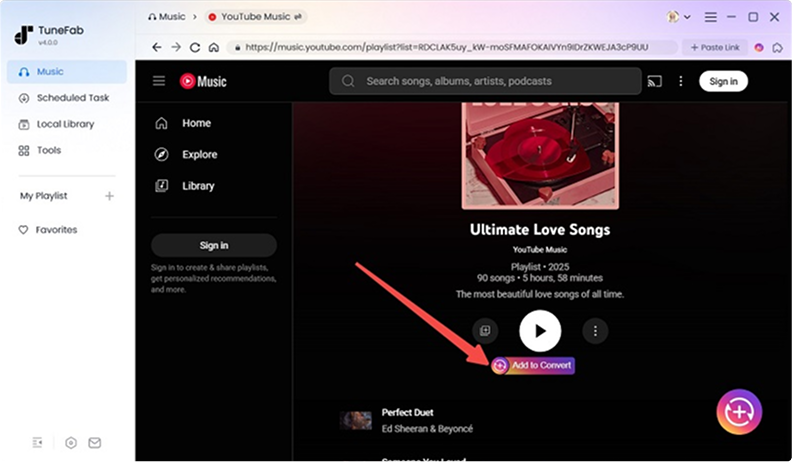
TuneFab YouTube Music Converter offers you a clear and intuitive interface, making it easy for you to grasp the conversion process. With it, you can simply click "Add to Convert" to add the YouTube Music songs or playlists you like to the queue and start the conversion with only one click.

With TuneFab YouTube Music Converter, all the ID3 tags and metadata information will be retained with the downloaded YouTube Music songs, so that you can classify the items conveniently offline.

This is a reliable and professional program that is always ad-free and doesn't require you to install bundled software. So, you don't need to worry about inviting viruses or hackers, which may cause potential security dangers.

Without any YouTube account login, you can directly search songs in the built-in YouTube Music web player, and then download songs, playlists, albums, and even podcast audio from YouTube for free.

Leading the way in online audio decryption for YouTube Music, this top downloader downloads audio from nearly all YouTube Music content. Download songs to MP3 and enjoy offline listening on any device.

Frequently Asked Questions
Yes, TuneFab offers a free trial for every new user. During the trial, you can convert 3 full YouTube songs for free.
Yes. TuneFab can serve as a YouTube Music to MP3 converter, providing a crystal-clear 320kbps bitrate and 48kHz sample rate to ensure an optimal offline listening experience that matches the original source.
No, you don't need to. TuneFab YouTube Music Converter enables you to download songs, albums, playlists, and lyrics from YouTube Music without signing into your YouTube Music account. Of course, if you have an account, you can also choose to log in with it, so that you can thumb up the songs you like and add them to your library for better management.
Yes. TuneFab YouTube Music Converter supports extracting and converting tracks, playlists, and albums from YouTube, even if you are using a free account.
Launch the software, and a status window will pop up. Log in to the account center with your email address and license key in the appropriate boxes. Hit "Update account status" after logging in.
Yes, there are plenty of YouTube Music converters online. But if you're looking for the safest option, go with TuneFab's online tool. Once you log in, it lets you easily convert YouTube music, playlists, or albums to MP3 in batches.
Yes. The TuneFab account center lets you manage devices logged in with your license code easily. To do that, just install and log in to the software on a new computer, enter the TuneFab account center, hit "Manage devices" and rest the old computer.
This program attaches great importance to private security so that it's 100% clean and safe to use without any malware or bundled software.
Windows 7 or later on 64bit
Mac OS X 10.15 or higher
- 1-Month: $25.95
- 1-Year: $79.95 ($6.66/mon)
- Single Lifetime: $99.95
MP3, WAV, FLAC, AIFF, M4A
(AAC and ALAC codecs)

Start Your Free Trial of TuneFab YouTube Music Converter Today - 100% Secure!
Feel free to install TuneFab YouTube Music Converter and enjoy all YouTube Music content offline for free!