

Channel options
Select audio channel numbers from Channel 1 and 2.

 Apple Music Converter
Music

TuneFab iTunes Music Converter is a full-featured iTunes converter for converting every audio content in your iTunes to common audio formats such as MP3 and M4A.


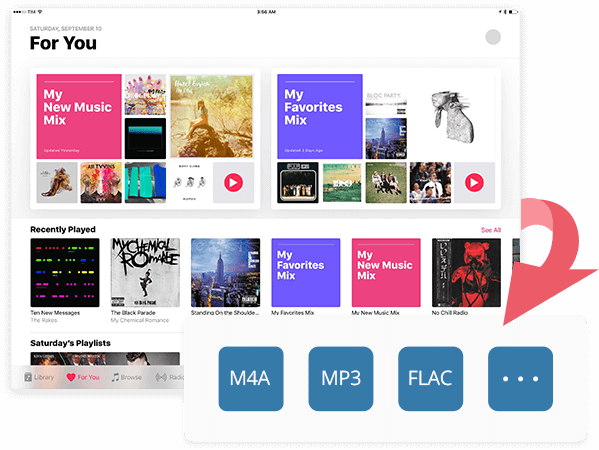
Even though this program is called Apple Music converter, it isn't limited to just converting Apple Music. It's designed to convert all different kinds of audio files stored in your iTunes library to high-quality MP3, M4A, AC3, AAC, AU, and lossless AIFF, WAV, and FLAC.
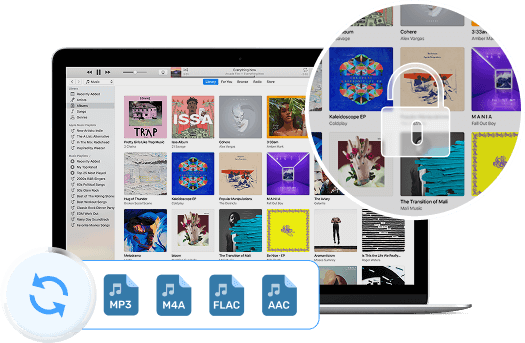
All songs in your iTunes, whether they are streaming music or purchased ones, from Apple library or iTunes purchases, can be converted to a common format.
With music converted into audio format like MP3 or FLAC, you can easily play them on any device, and even edit them or use them in a video or ringtone.
>>Convert iTunes music to MP3It's also an audiobook converter which is perfect for both - converting protected iTunes audiobooks and Audible audiobooks to compatible formats. All chapters and ID3 tags will be saved in the M4A output file automatically.
Note: iTunes version 12.4 or higher is required to be installed on a Windows computer for audiobook conversion.
>>Convert iTunes audiobooks to MP3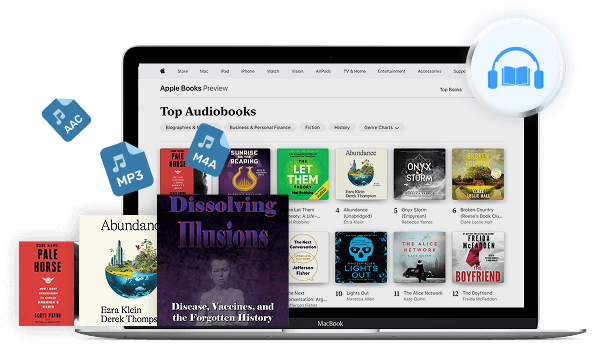
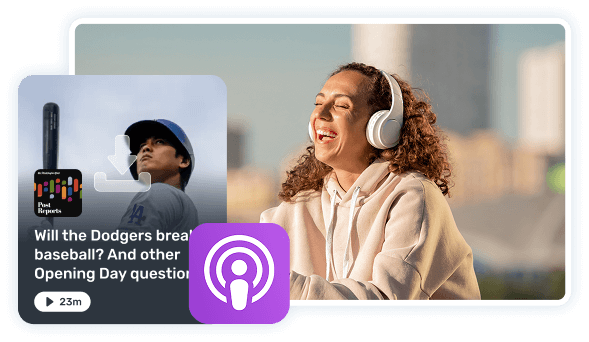
Apart from music and audiobooks, TuneFab iTunes Music Converter also lets you convert iTunes podcasts to other formats with metadata info and ID3 tag information. Moreover, you can edit them and save the changes for easy management.
Note: iTunes version 12.4 or higher is required to be installed on a Windows computer for podcast conversion.

ID3 Information Preservation
Retain ID3 tags automatically and support ID3 info changing

Personalizable Output Setting
Output audio format and quality can be adjusted easily

Offline Capability
Convert music and audiobooks to MP3 for flexible and easy offline playback.
Softpedia
"TuneFab iTunes Music Converter is all about ease of use, proof of that being its approachable GUI that lets you effortlessly get your job done. Regarding the types of media the program can handle, it should be said that anything from iTunes M4P tracks and AA or AAX audiobooks to Apple Music should be covered."

Macworld
"It is a dedicated app that has a solid reputation on removing restrictions from Apple Music, iTunes audiobooks, Audible audiobooks, etc. You will get a streamlined interface that allows you to select content from your iTunes library, specify the output format, then have it strip away the limitations and create an MP3 version without the need for any other interaction."
Besides the iTunes audio converter, TuneFab also provides dedicated converters exclusively for Apple Music and Audible books.

A converter that converts Apple Music, playlists, and albums to common formats using the Apple Music web player.
With a familiar and simple interface, you can easily add music from the Apple Music library and convert it to MP3, FLAC, and more, without needing iTunes or the Apple Music app.
A professional Audible converter for converting any Audible audiobook to MP3.
Simply download audiobooks from the Audible website, drag and drop the files onto the converter, and hit the convert button. And the .aa or .aax files can be converted to MP3, FLAC, WAV, and M4A at 60X speed.



