


In today’s era, when audiences pay more attention to advanced music playback quality, more and more providers are upgrading their services to deliver a better listening experience. As the world’s largest music streaming platform, Spotify has finally brought one of the most anticipated features to life—Spotify Lossless (often called Spotify HiFi in earlier rumors).
After years of speculation since it was first announced in 2021, the lossless audio tier is no longer a rumor. Starting September 2025, Spotify Premium subscribers in select markets can now stream music in up to 24-bit/44.1 kHz FLAC, offering a richer, more detailed, CD-quality listening experience.
This guide will walk you through everything you need to know about Spotify Lossless—its features, availability, pricing, and whether it’s worth the upgrade.
Don't Miss:
Spotify Equalizer Unavailable? Try This Way
Want to Play Spotify Music on Apple Watch? Here is the Ultimate Tutorial
What Is Spotify HiFi?
Spotify Lossless refers to the new lossless high-fidelity audio quality added to Spotify Premium. Unlike the platform’s standard compressed streams (Ogg Vorbis at 320 kbps), lossless streams preserve every detail of the music, delivering CD-quality or higher.
With this upgrade, Spotify finally matches competitors like Tidal, Apple Music, Amazon Music HD, and Deezer, all of which have supported lossless or hi-res playback for years.
Spotify Lossless ensures:
- CD-quality streaming: up to 24-bit/44.1 kHz FLAC.
- Greater detail in vocals, instruments, and dynamics.
- Better experience for users with premium headphones, speakers, or wired audio setups.
Where Is Spotify Lossless Available?
Spotify Lossless started rolling out in September 2025 and will expand gradually to more than 50 markets through October.
The first markets to get access include: Australia, Austria, Czechia, Denmark, Germany, Japan, New Zealand, Netherlands, Portugal, Sweden, United States, and United Kingdom.
If you are a Premium subscriber in these regions, you will receive a notification in your Spotify app once Lossless is available.
How Is the Audio Quality of Spotify HiFi?
With Spotify Lossless enabled, tracks can be streamed in up to 24-bit/44.1 kHz FLAC. Compared with 320 kbps compressed audio, the difference is noticeable—especially when using high-end wired headphones or quality speakers.
Benefits include:
- Richer bass response.
- Clearer vocals.
- Wider dynamic range.
NOTE: However, to fully enjoy lossless audio, Bluetooth connections may not be ideal since most don’t support true lossless bandwidth. Spotify recommends using wired headphones, speakers, or Spotify Connect devices for the best results.
How Much Will Spotify HiFi Cost?
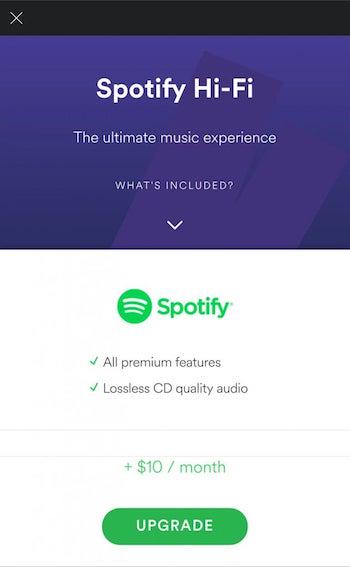
Here’s the best part: Spotify Lossless is included in the existing Premium subscription at no additional cost.
Unlike earlier speculation that a separate “Platinum” tier might cost between $15.99–$19.99 per month, Spotify has decided to roll out Lossless as part of the $11.99/month Premium plan. This makes it a more competitive offering compared to Apple Music and Amazon Music, both of which also include lossless in their standard subscriptions.
Do You Really Need Spotify HiFi?
So, should you enable Spotify Lossless?
- If you have high-quality headphones, speakers, or DAC setups, the upgrade will give you a noticeably better sound.
- If you mostly listen on Bluetooth earbuds or basic speakers, the difference may be subtle.
- If you value streaming flexibility and staying in Spotify’s ecosystem, the free upgrade makes it a no-brainer.
Ultimately, Spotify Lossless provides a better listening experience without extra cost, so most Premium users should try it out.
How to Enable Spotify Lossless?
Once Lossless is available in your region, you’ll need to enable it manually in the Spotify app. Here’s how to do it:
Step 1. Open the Spotify app and tap your profile icon (top left).
Step 2. Go to Settings & Privacy → Media Quality.
Step 3. Under Wi-Fi, Cellular, and Downloads, select Lossless.
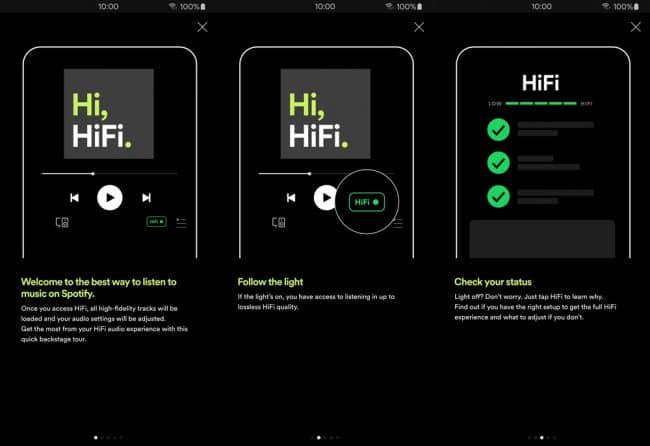
Step 4. When Lossless is turned on, you’ll see a Lossless indicator in the Now Playing screen and in the Connect Picker.
Can You Download Spotify Lossless Songs to FLAC?
Spotify HiFi delivers music streaming of lossless quality, but it fails to support Spotify downloads for playback outside the platform because of the DRM encryption. Luckily, you are able to bypass this limitation with the help of TuneFab Spotify Music Converter.
TuneFab Spotify Music Converter has embedded the official Spotify web player within the software, enabling users to directly access the music library and stream or download all Spotify songs, playlists, and podcasts to FLAC, WAV, MP3, M4A, or AIFF.
The most attractive feature of TuneFab Spotify Music Converter should be its ability to preserve lossless audio quality to output Spotify songs, making it possible for you to grasp Spotify lossless HiFi tracks offline and play them enjoyably without the Spotify app in more flexible ways.
In other words, TuneFab Spotify Music Converter offers a more flexible way for you to enjoy Spotify HiFi songs streaming without being limited by the annoying DRM protection.
Features of TuneFab Spotify Music Converter
● Integration of Spotify web player to download all Spotify songs and playlists without hassle;
● A variety of mainstream formats such as FLAC, WAV, MP3 for selections;
● Maintain uncompressed Spotify lossless quality to download songs and bring you the best streaming experience offline;
● Preservation of full ID3 info to keep Spotify songs offline;
● Up to 35X or even faster conversion speed to batch download Spotify songs simultaneously.
Now, take this simple guide to grasp how to download lossless Spotify songs for streaming offline via TuneFab Spotify Music Converter:
STEP 1. Complete the software installation and launch the software, then enter the Spotify service.
STEP 2. Search for Spotify singles or playlists, podcasts and access those you desire to download. Simply by dragging them to the conversion window or tap the "Add to the conversion list" button on the thumbnail, and then the songs will be imported to the converting queue right away.
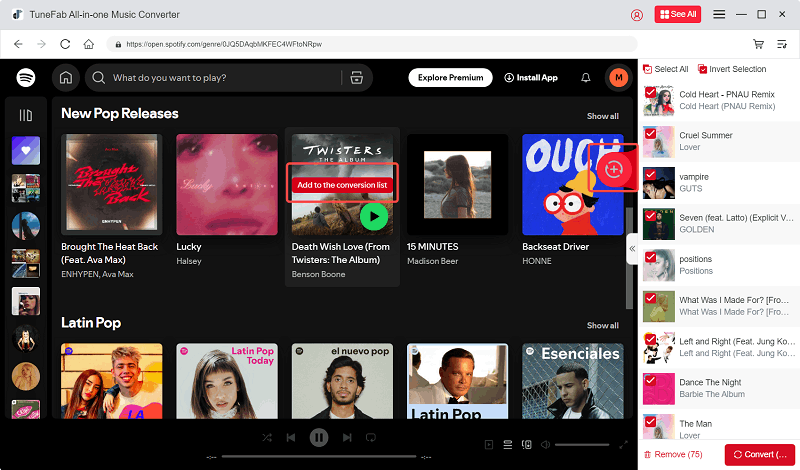
STEP 3. To customize the output parameters like the music quality, directly expand the converting window, and you are able to select the output format as well as bitrate, and sample rate before processing the Spotify playlist download.
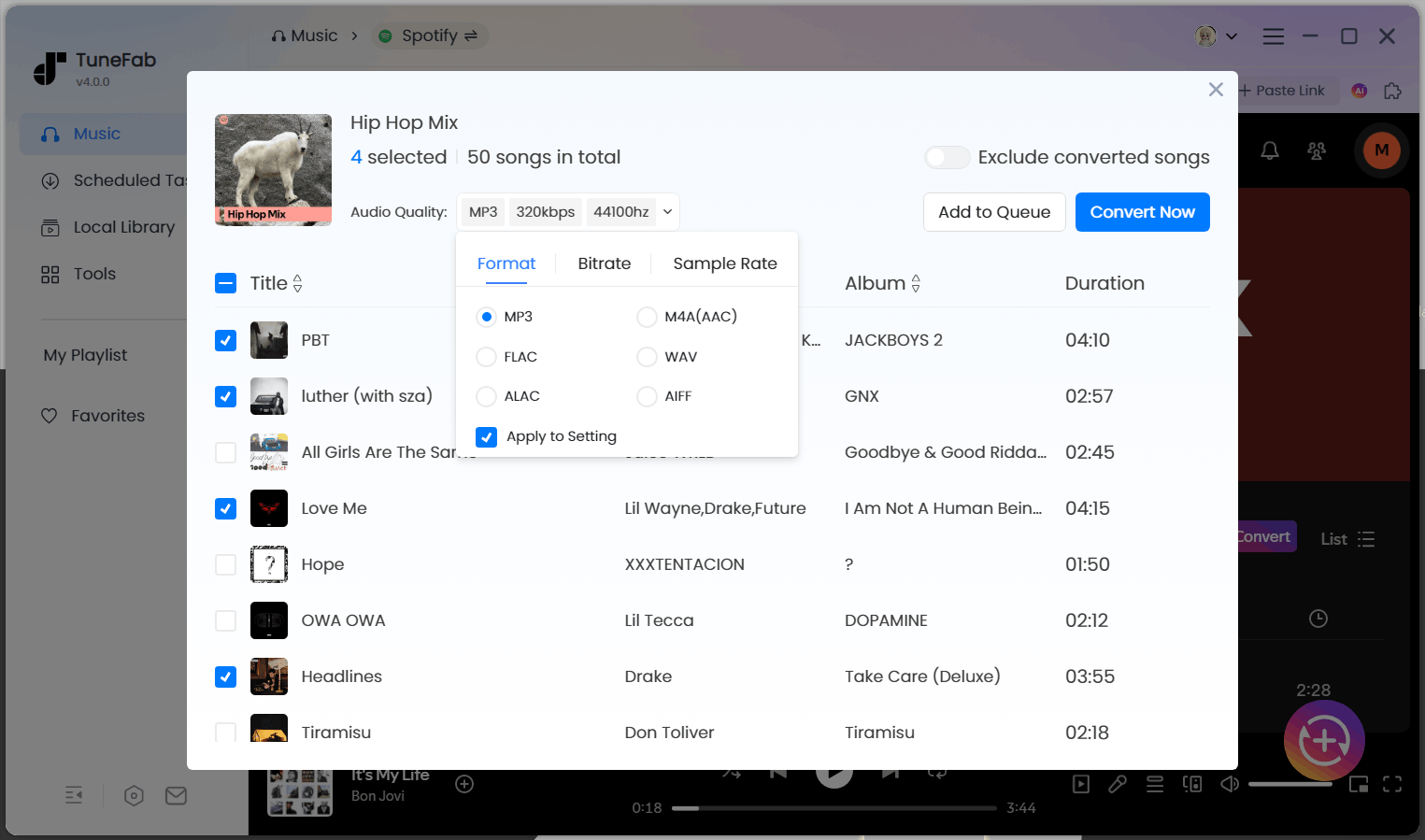
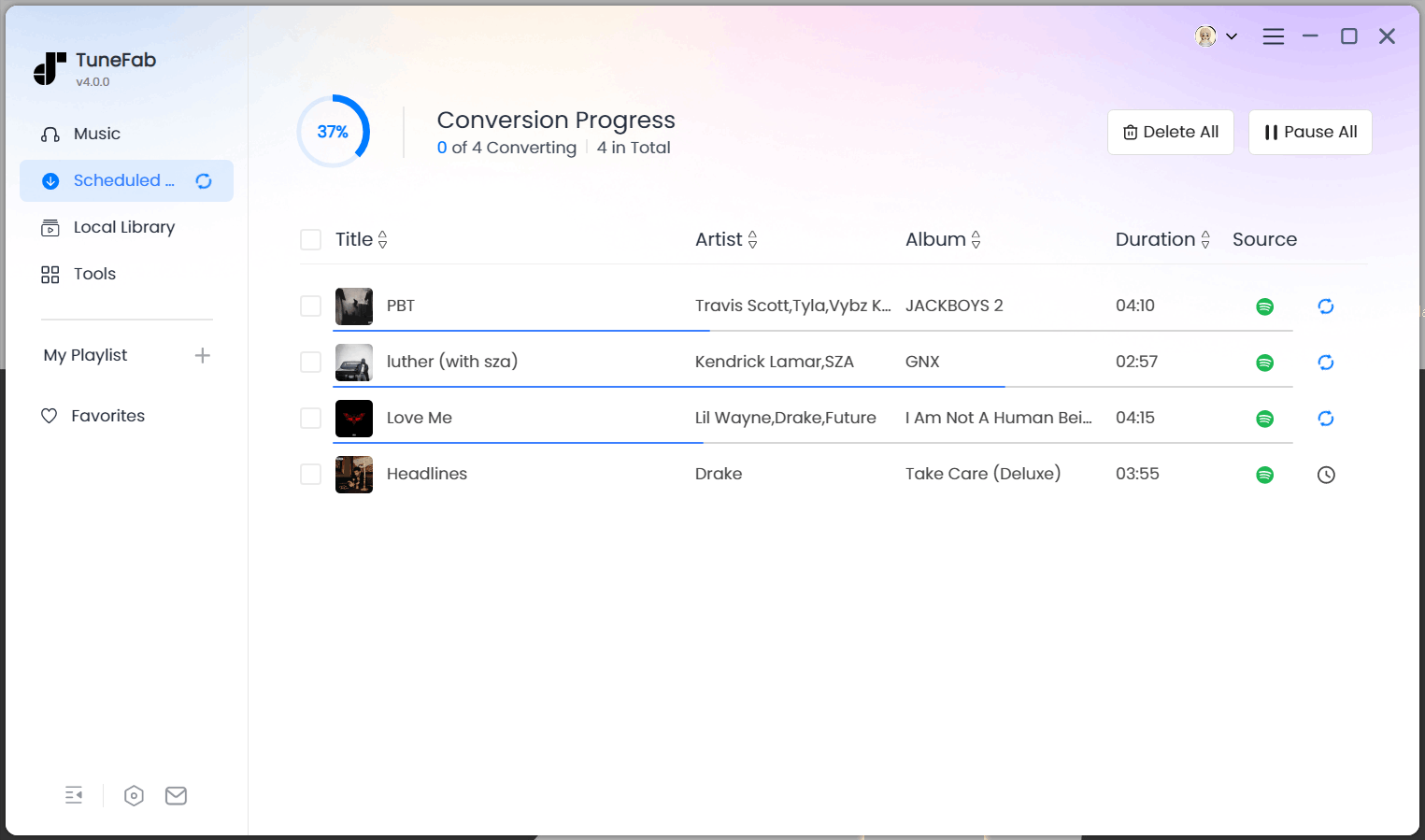
STEP 4. Finally, simply hit the "Convert All" icon and the Spotify songs will be batch downloaded offline right away! Just wait for it to be complete patiently.
Bottom Line
After years of waiting, Spotify Lossless is finally here. It puts Spotify back in the race with Apple Music, Tidal, and Amazon Music by delivering CD-quality streams directly in the Premium plan. For audiophiles and casual listeners alike, this is one of the most exciting updates Spotify has ever released.

